The More You Know...
Our blog shares practical guidance, expert takes, and real-world lessons drawn from the front lines of IT services. Stay informed, stay protected, and make smarter decisions for your business.
Why Ransomware Deletes Your Backup First (and What to Do About It)
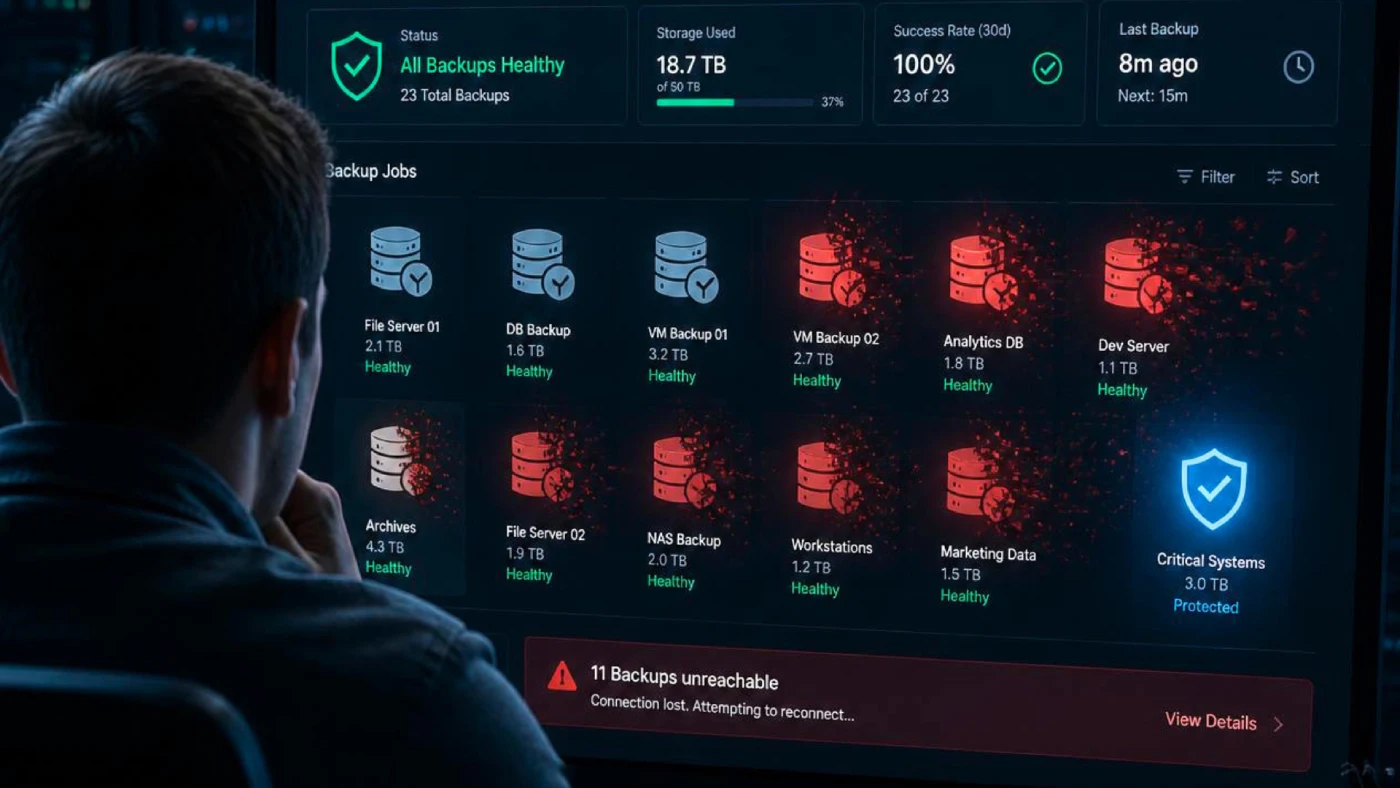
There is a version of this conversation that happens after a ransomware attack, and it is one of the more painful ones in IT. The business is encrypted. The owner asks about the backup. And the answer is that the backup was encrypted too, because it was connected to the same systems the ransomware already had access to. The backup existed. It just could not be used. That scenario is preventable, but only if you know how ransomware actually targets backups.
Quick Answer
Modern ransomware goes after your backups first, because deleting your safety net is what forces businesses to pay.
- Attackers know a good backup removes their leverage
- Backups connected to your main network are easy targets
- Isolated backups stay out of an attacker's reach
- Backups that cannot be altered protect your recovery
- A backup you have never restored is an untested assumption
How Ransomware Handles Your Backup
Modern ransomware does not just encrypt the files it finds. Before doing anything visible, it typically searches the network for backup systems, backup files, and backup software. If your backup is connected to the same environment as your primary data, whether that is a network drive your servers can reach, a folder that syncs continuously to the cloud, or a backup application with a live connection to your systems, it is accessible to the same malware that is attacking your primary environment.
The ransomware encrypts or deletes the backup first. Then it encrypts everything else. By the time you realize what happened, the recovery option you were counting on is gone.
The Specific Type of Backup That Holds Up Against Ransomware
The solution is a backup that cannot be changed or deleted, even by someone with administrator-level access to your systems. Security professionals call this an immutable backup, meaning unchangeable. The practical effect is that ransomware reaching the backup environment finds that it cannot modify or delete the protected copies, because the storage itself is designed to prevent that.
This is not an advanced enterprise feature. Major cloud platforms including Amazon, Microsoft, and others offer this type of protected storage as a standard option. Most purpose-built business backup platforms include it as well. If your current backup does not have this property, that is worth addressing.
The Other Half: Actually Test the Restore
A protected backup that has never been tested is still an unknown. Many businesses discover during an actual incident that their backup process has been running without capturing everything it was supposed to. A database excluded from scope. A critical folder that was never added. A restore process that takes twelve hours when the business assumed four.
These are discoveries that should happen during a test, not during an emergency. Running a restore from backup to a test environment at least quarterly, and verifying the result is complete and usable, turns a theoretical safeguard into a verified one.
The Right Question to Ask Your IT Provider
If you are not certain whether your current backup would actually protect you in a ransomware scenario, ask your IT provider this directly: if ransomware encrypted everything on our network today, could we restore from backup without paying a ransom? That question surfaces whether your backup strategy is actually built for the threat you are facing.
If the answer involves hesitation or qualifications, that is where the conversation needs to go.
Frequently Asked Questions
Why does ransomware target backups?
Because backups are your way out without paying. Destroying them removes your leverage and pressures you into meeting the ransom demand.
How do I protect my backups from ransomware?
Keep at least one backup isolated from your main network and use backups that cannot be altered or deleted once written.
What is an isolated backup?
It is a backup kept separate from your everyday systems, so that an attacker who reaches your network cannot reach and destroy it.
How do I know my backups will work?
Test them. Regularly restoring from backup is the only way to confirm your data can actually be recovered when it matters.
Backup is only valuable if it works when you need it most. We help businesses implement protected, tested backup strategies that actually hold up against ransomware. Reach out to find out whether your current setup is ready.